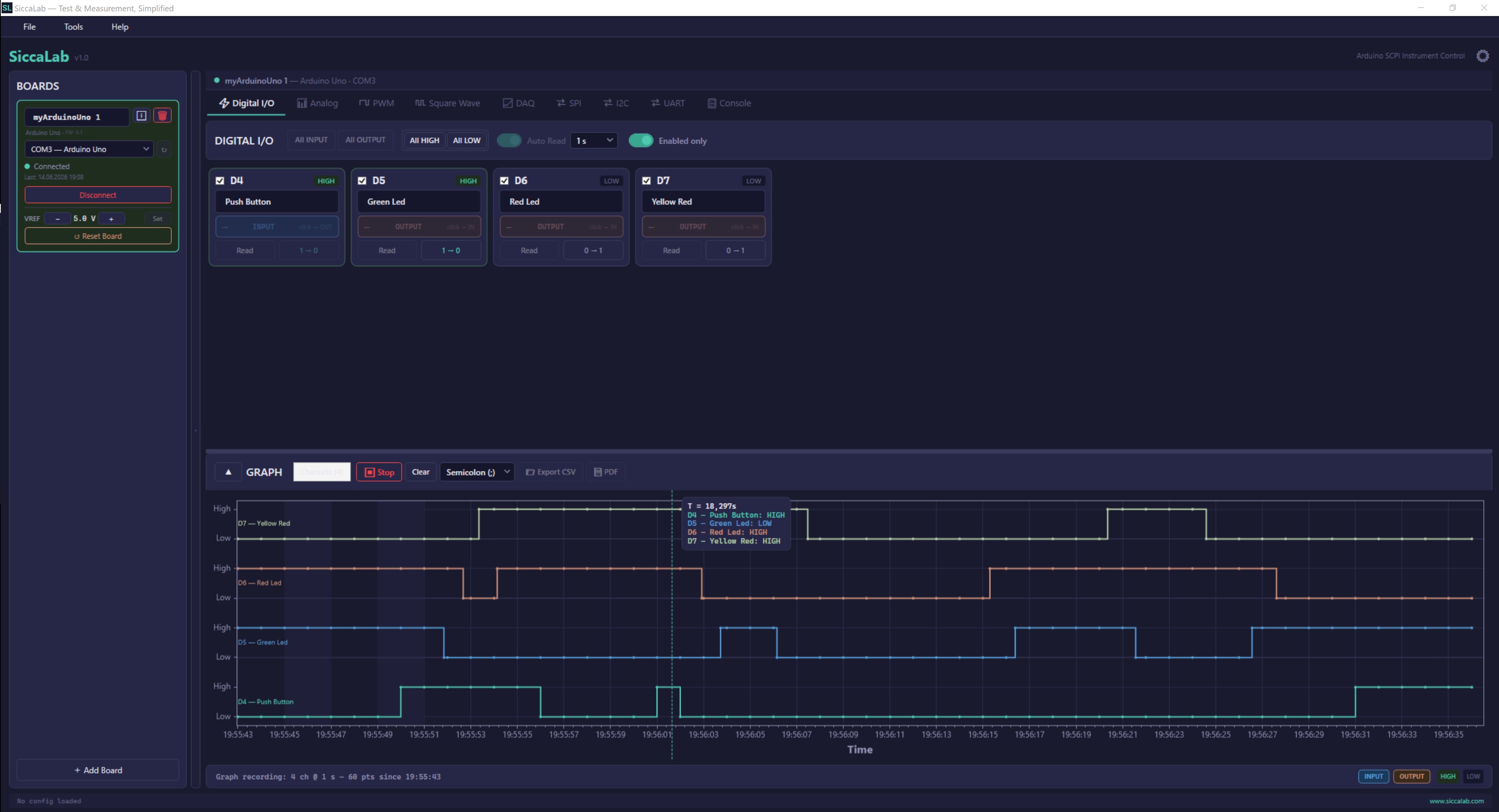
Digital I/O
Configure, read, write and monitor pins in real time.
SiccaLab is a Windows desktop app that turns Arduino boards into test and measurement instruments. Flash firmware once from inside the app, connect over USB, and drive every function from a purpose-built panel — no code, no toolchains, no guesswork.
Windows 10/11 · 64-bit · v1.0
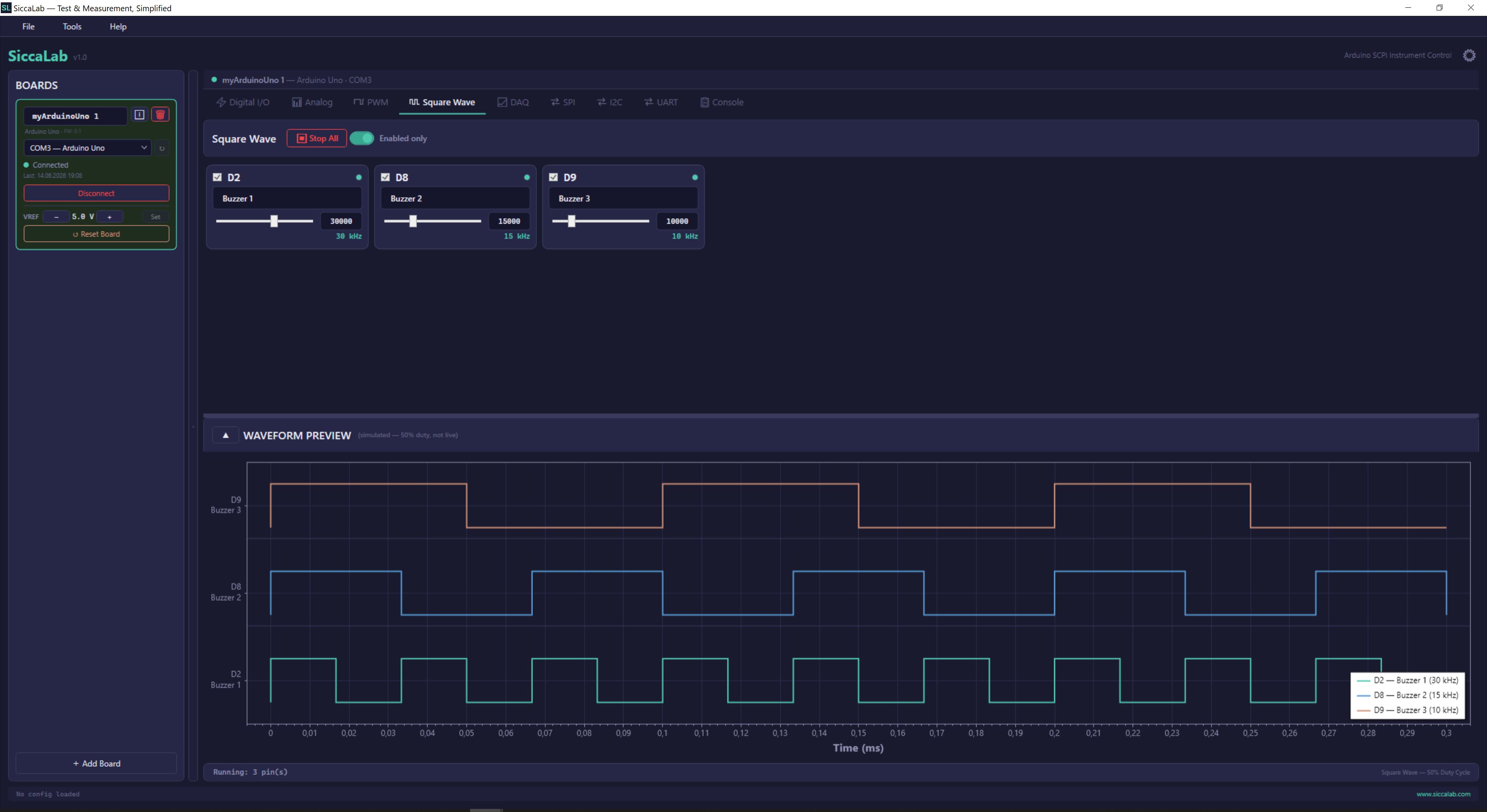
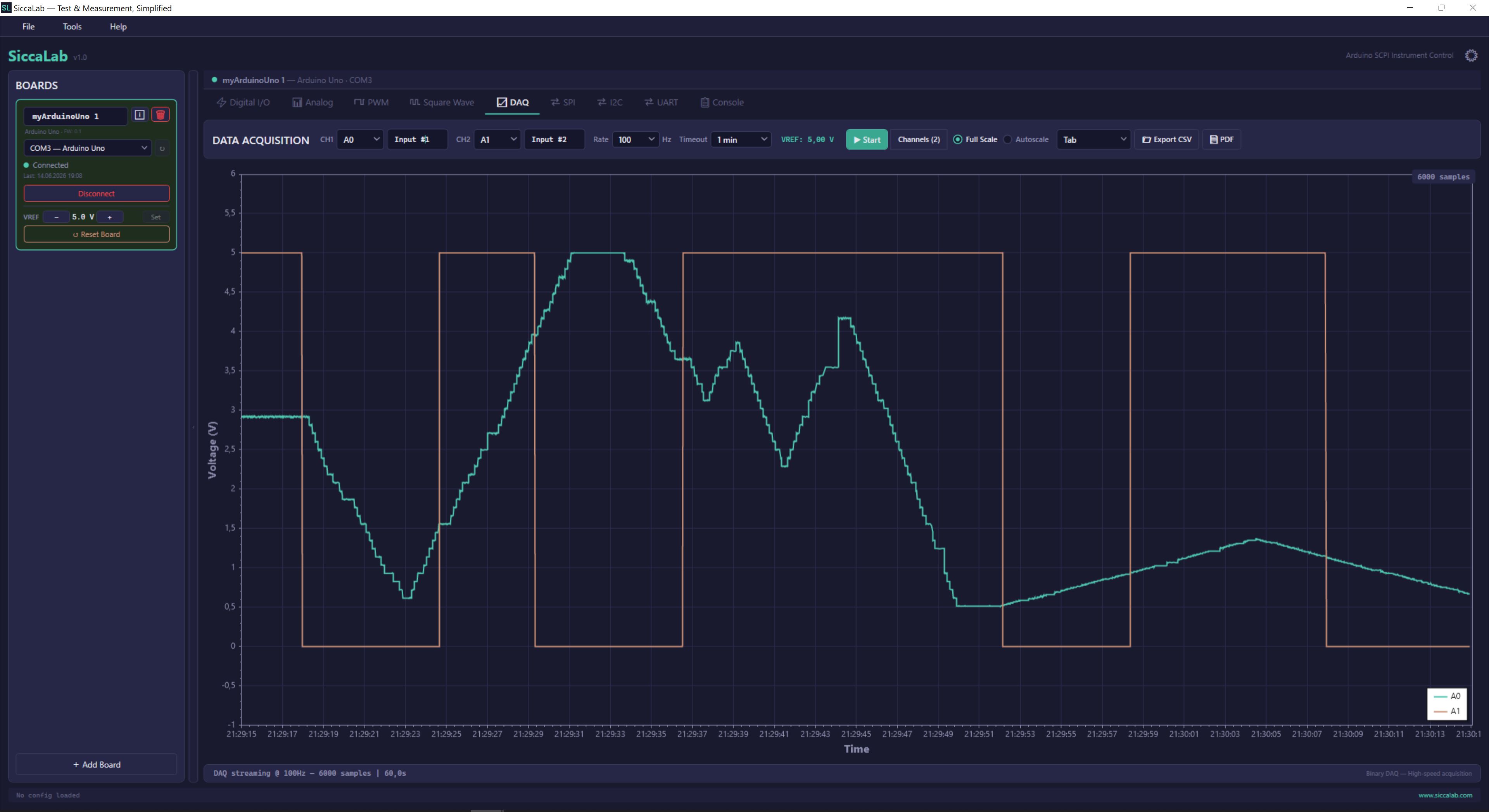
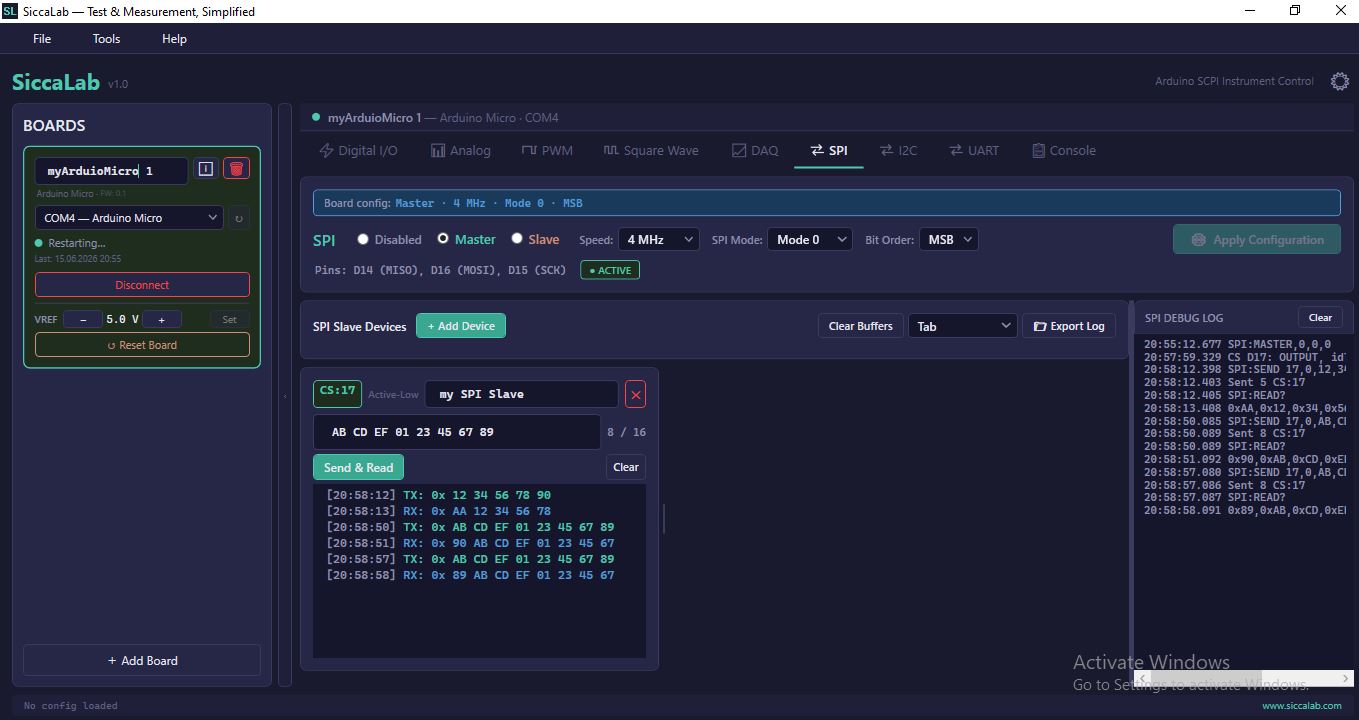
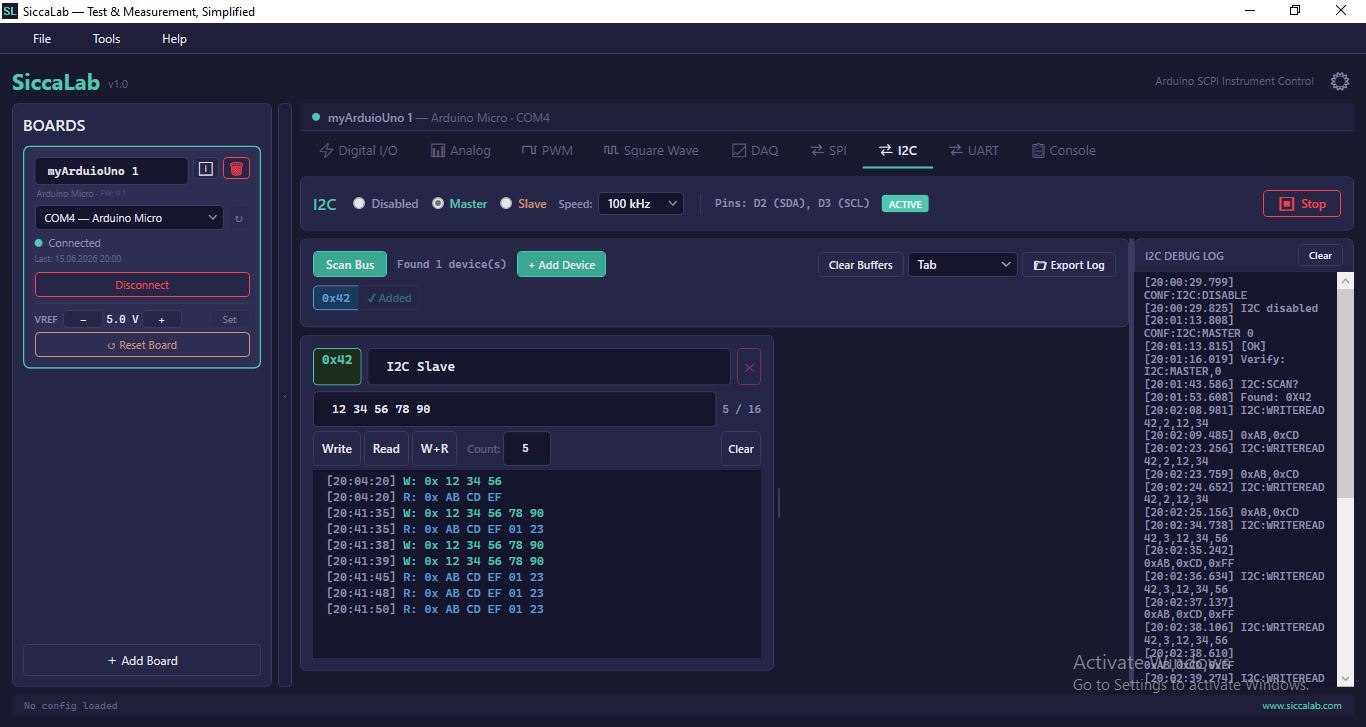
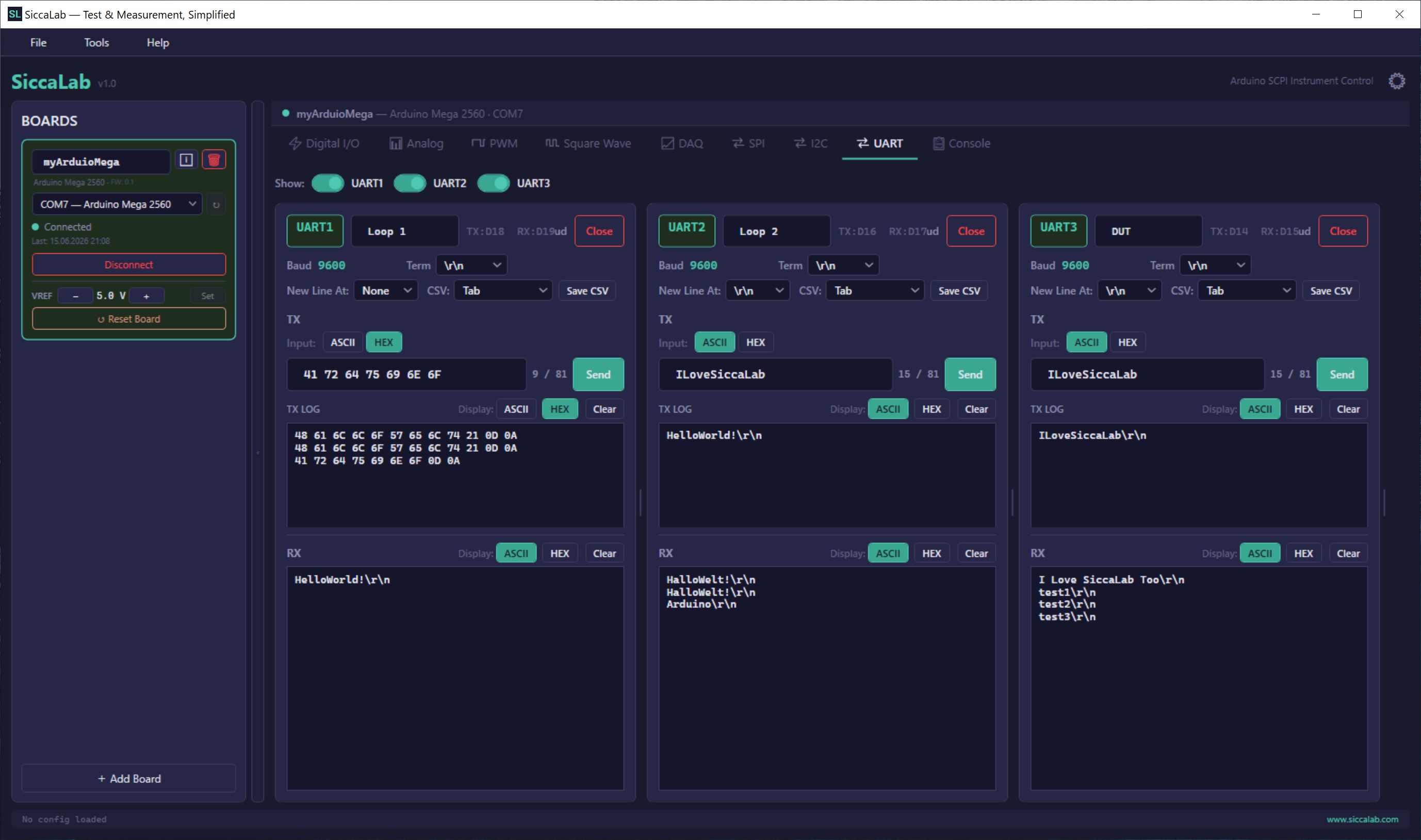
Every panel is purpose-built for the job. Wire up a supported Arduino, pick a function, and start working — the interface does the heavy lifting.
Configure, read, write and monitor pins in real time.
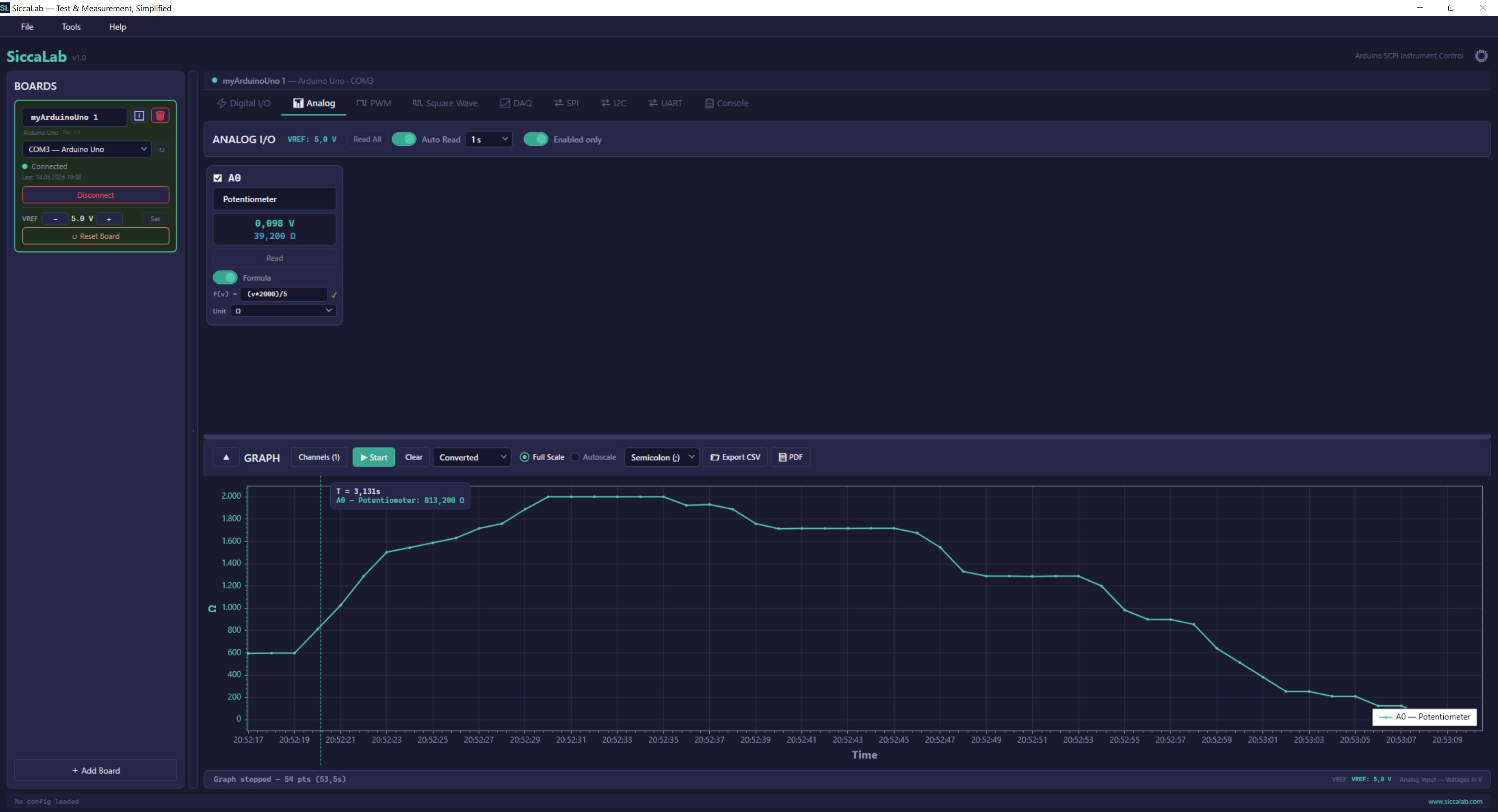
Multi-channel voltage capture with configurable VREF and engineering-unit formulas.
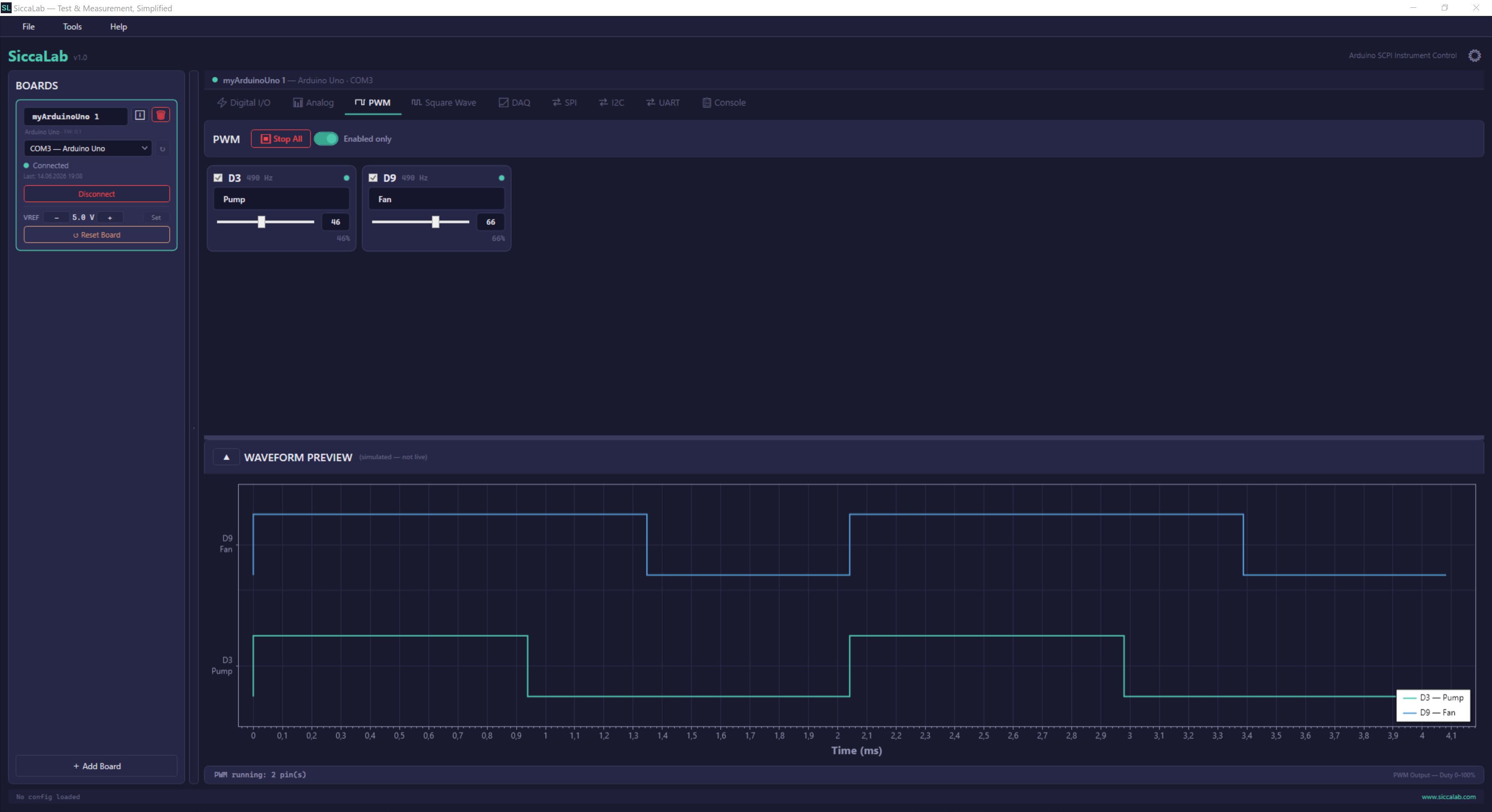
Hardware PWM with duty-cycle control and live waveform preview.
Precision frequency generator with real-time waveform display.
Binary data acquisition up to 100 Hz, one or two channels, live graph.
Master and Slave modes, multi-device support, full transaction log.
Master and Slave modes, bus scan, Write / Read / Write+Read with per-device logs.
Hardware serial channels, ASCII/HEX send & receive, command history, CSV export.
Switch between panels instantly — one download, one license, everything included.
Start with the boards already on your bench. SiccaLab supports the most common Arduino form factors, with more on the roadmap.
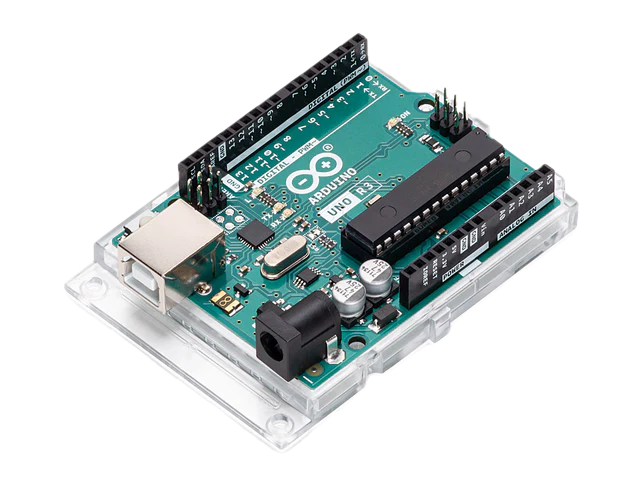 Arduino Uno R3
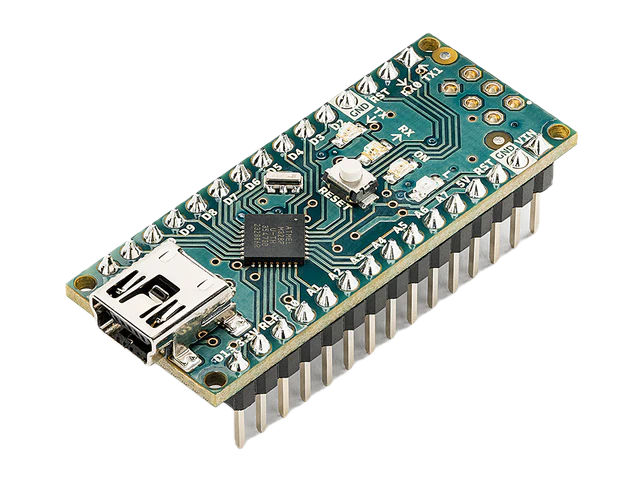 Arduino Nano
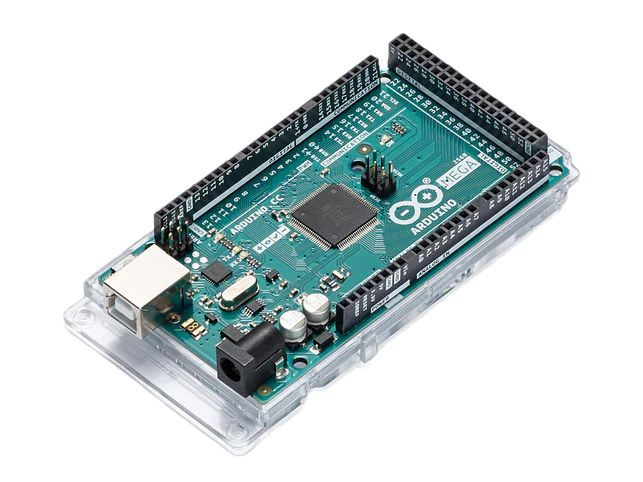 Arduino Mega 2560
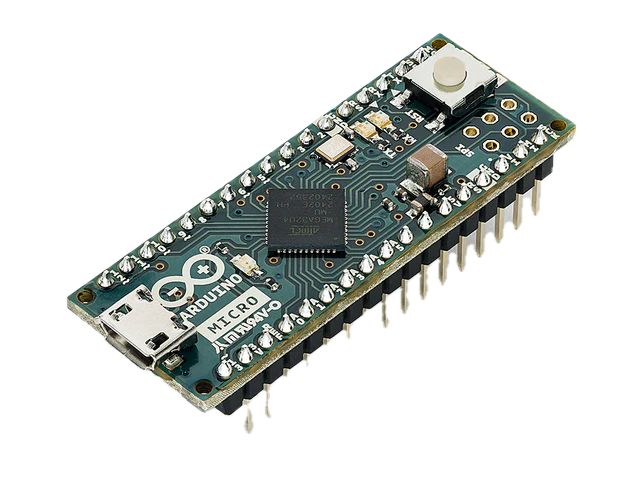 Arduino Micro
| Capability | Uno R3 | Nano | Mega 2560 | Micro |
|---|---|---|---|---|
| Digital I/O | 14 pins | 14 pins | 54 pins | 18 pins |
| Analog inputs | 6 channels | 8 channels | 16 channels | 6 channels |
| PWM outputs | 6 pins | 6 pins | 15 pins | 7 pins |
| Signal generation | ✓ | ✓ | ✓ | ✓ |
| SPI (Master & Slave) | ✓ | ✓ | ✓ | ✓ |
| I²C (Master & Slave) | ✓ | ✓ | ✓ | ✓ |
| UART channels | — | — | 3 channels | 1 channel |
| Multi-board support | ✓ | ✓ | ✓ | ✓ |
| Data logging up to 100 Hz | ✓ | ✓ | ✓ | ✓ |
More boards in development — Arduino UNO R4, ESP32, and wireless support on the way.
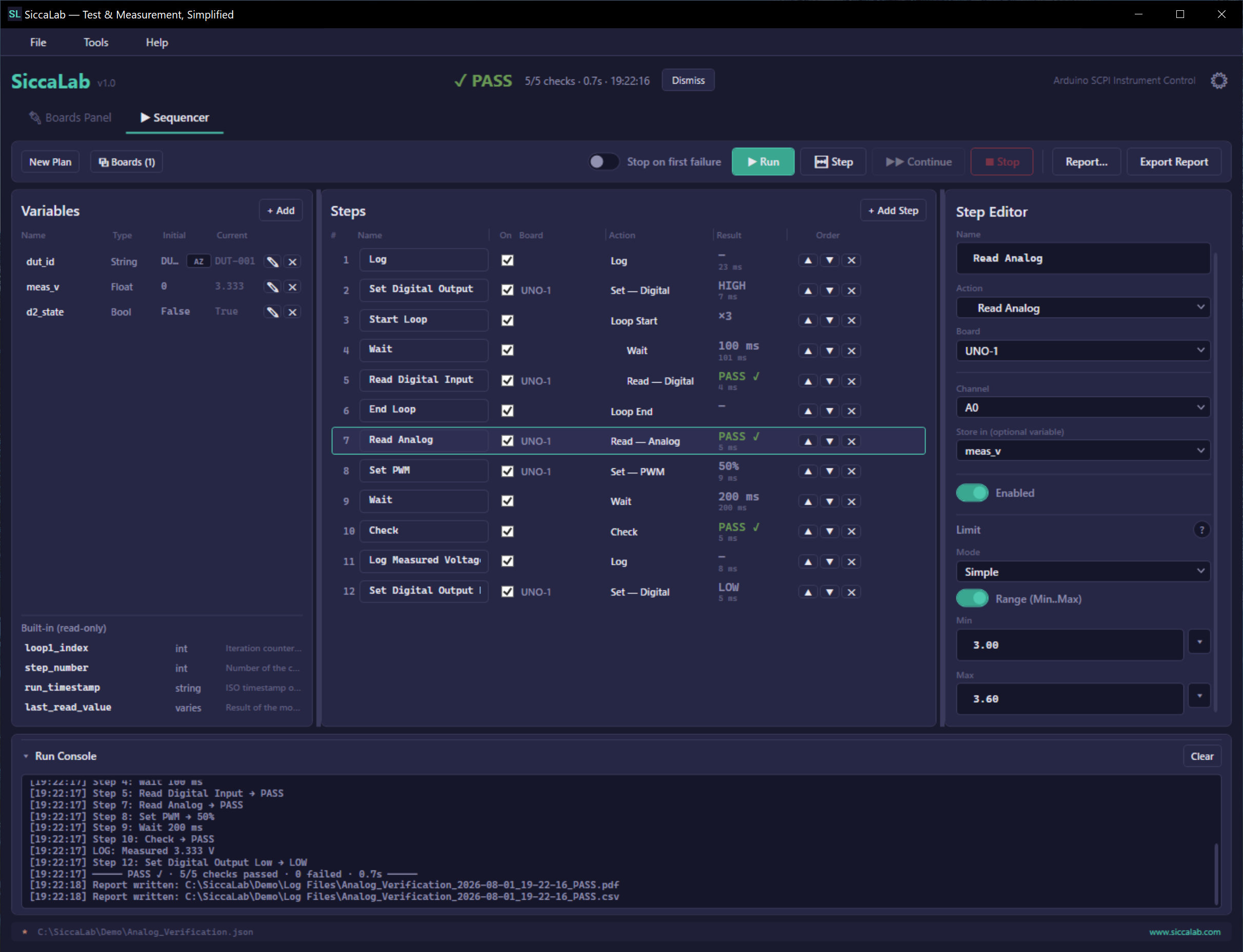
The Sequencer is a no-code test automation engine. Chain steps across every instrument, add named nested loops and variables, set pass/fail limit checks, debug with breakpoints, and export professional PDF and CSV reports — all without writing a line of code.
Fully included in the 14-day trial.
Plug in your board and it's detected automatically — you're ready to go.
No Arduino IDE, no sketches. SiccaLab loads the firmware for you in a click.
Run measurements, automate tests with the Sequencer, and watch results on live graphs — no code required.
Affordable instrument control for the people who actually use it — from the classroom to the workshop.
Questions about SiccaLab, licensing, or supported hardware? Send us a message and we'll get back to you.